





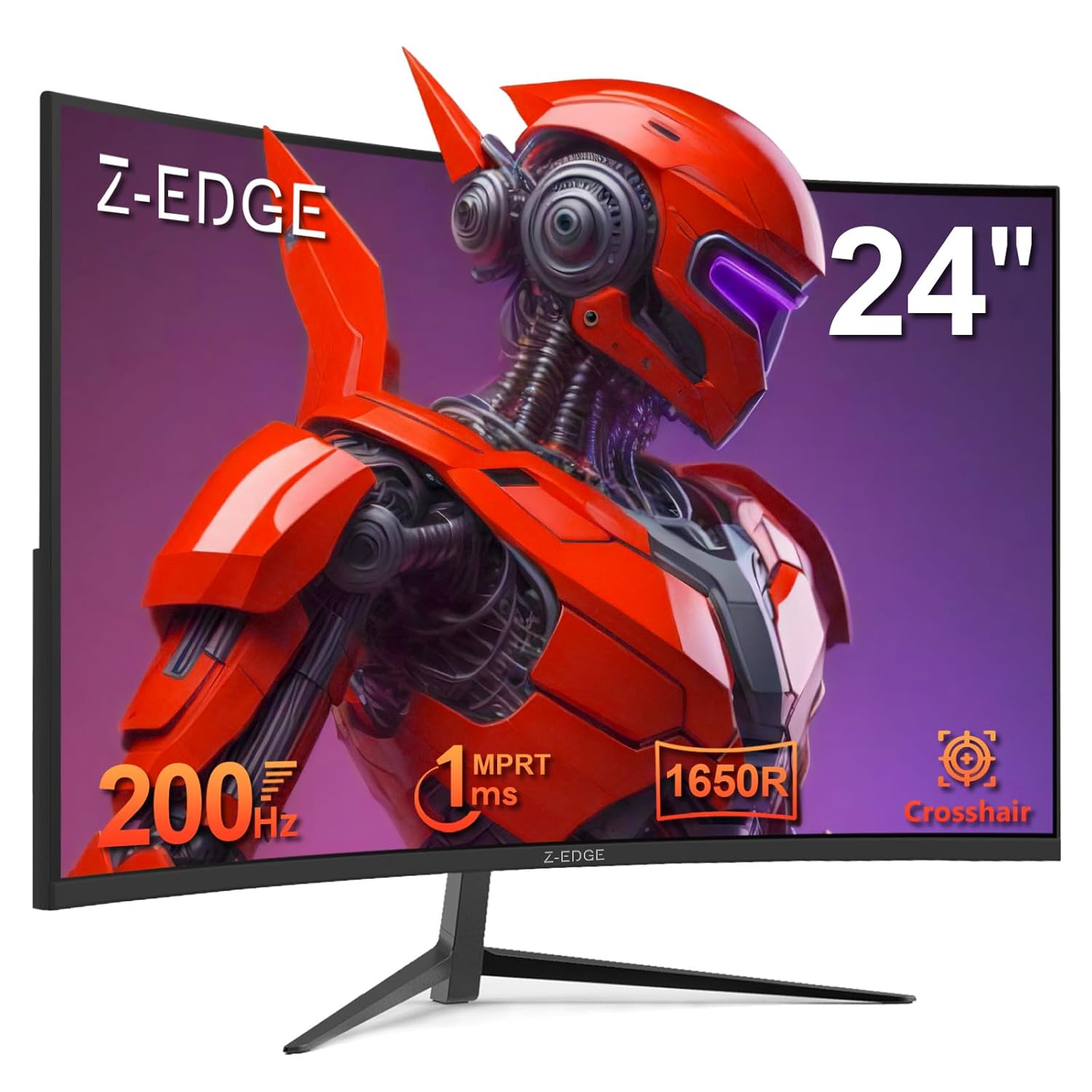
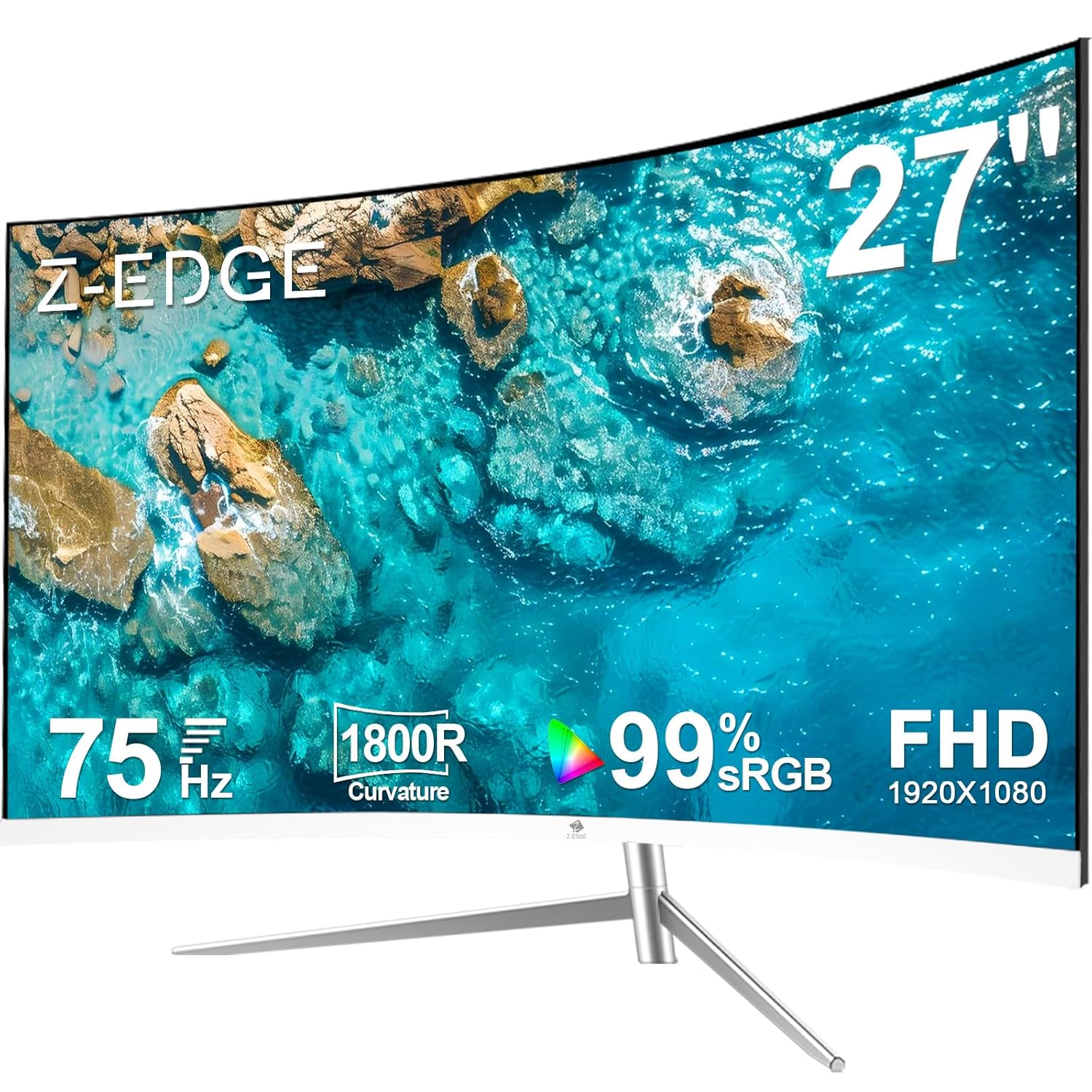
- 1650R Curved Gaming Monitor: 1650R curved monitor proved to add an immersive touch while gaming or watching movies, helping to fill our peripheral vision, enlarging the field of view to a greater extend. The curved monitor provides the maximum immersion, fully engages your life in every aspects
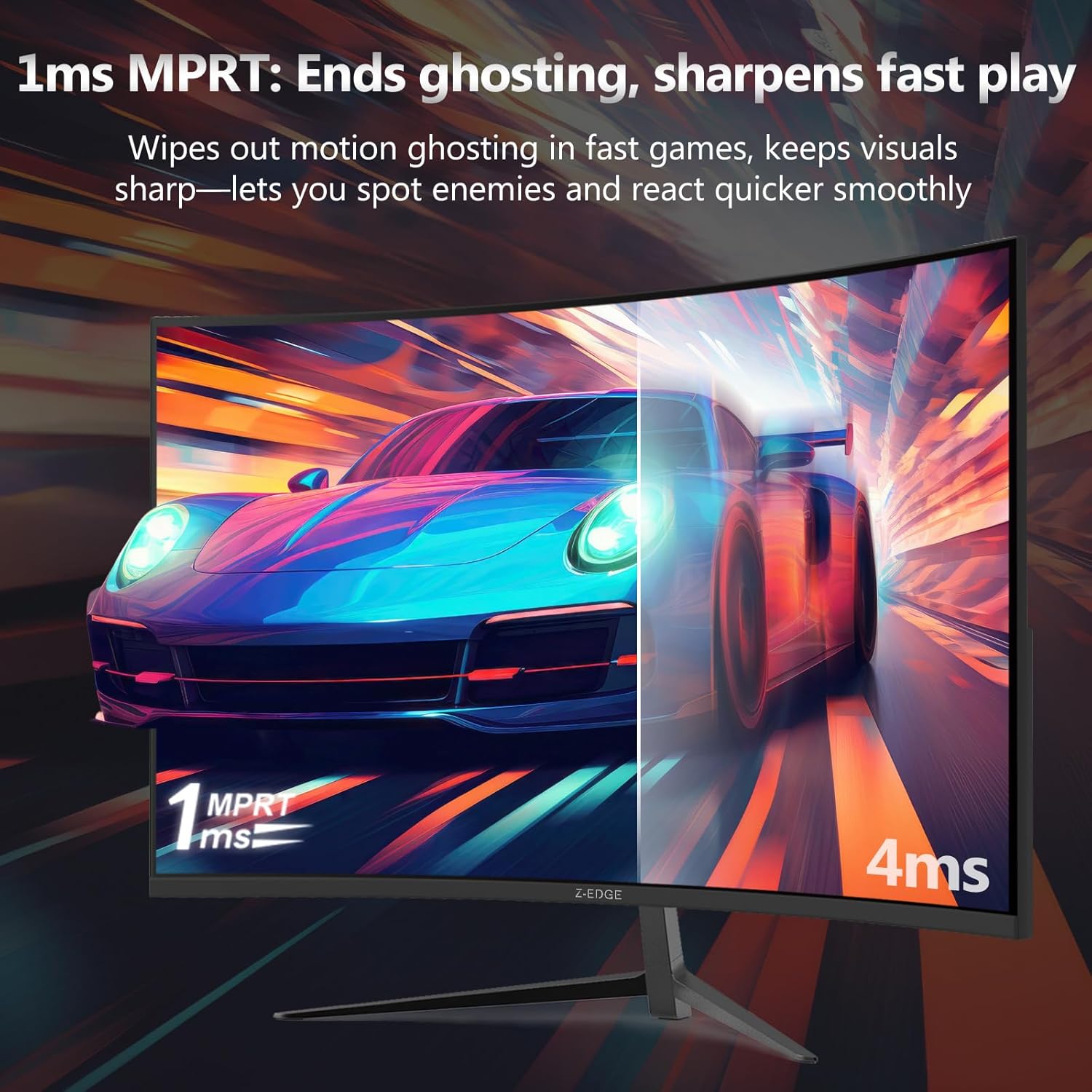
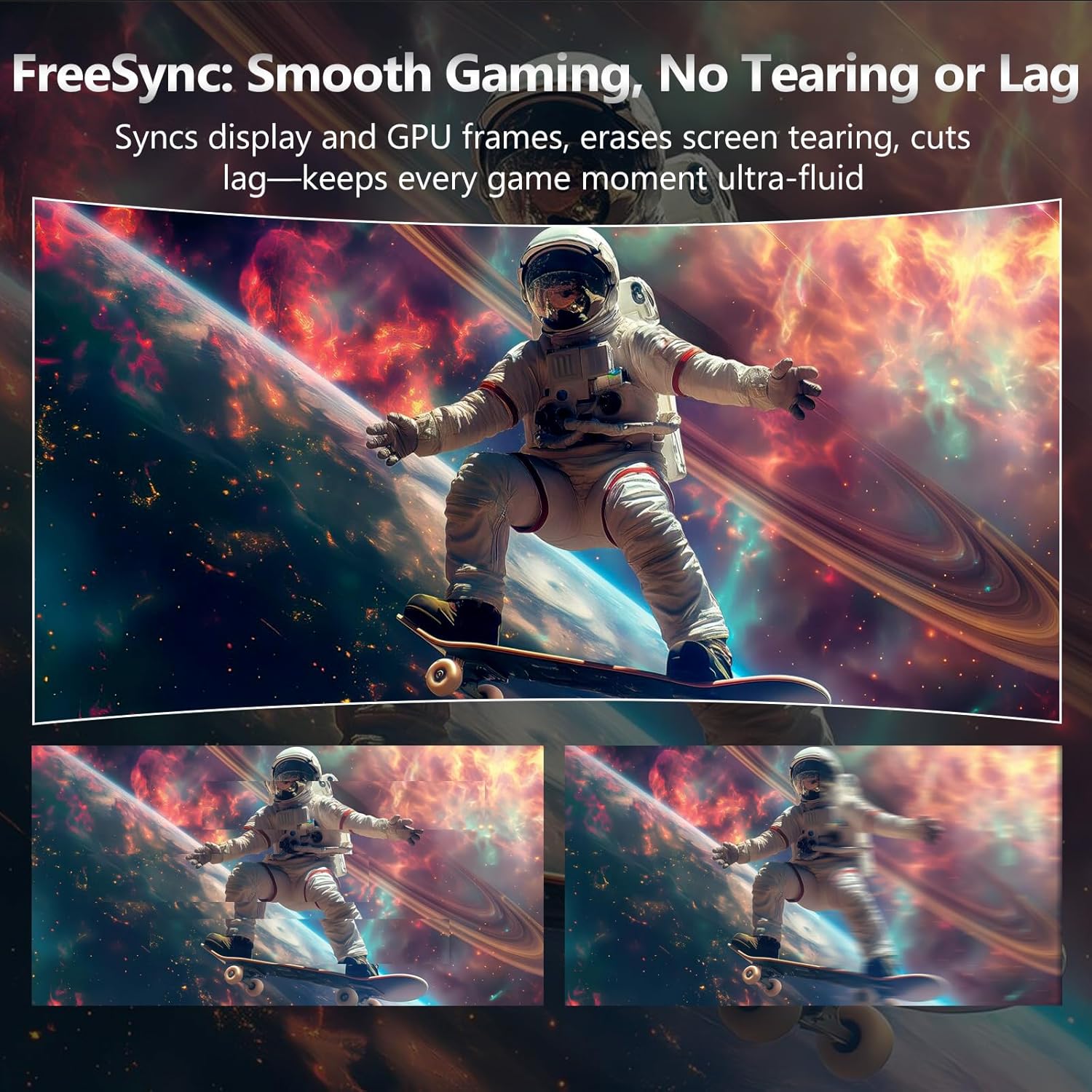
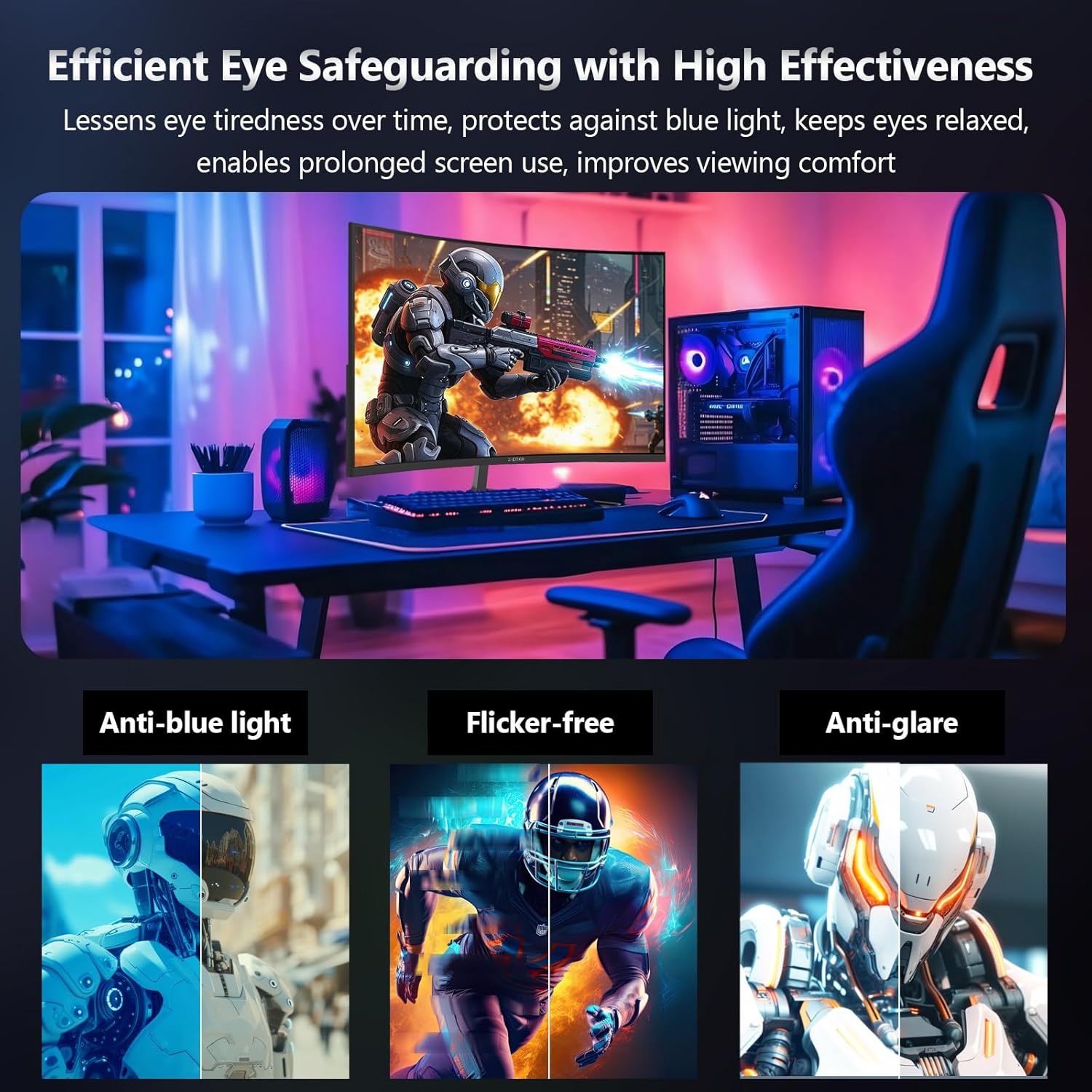
- Revolutionize Your Gaming Experience: Enjoy the ultra-smooth and fluid gaming experience with the faster frame rendering and lower input lag thanks to the rapid 180Hz refresh rate and 1ms response time. Flicker free virtually eliminates the screen tearing, stutter, and input latency, presenting you the exceptional gaming experience. Flicker free and low blue light features keep your eyes fresh after the prolonged use
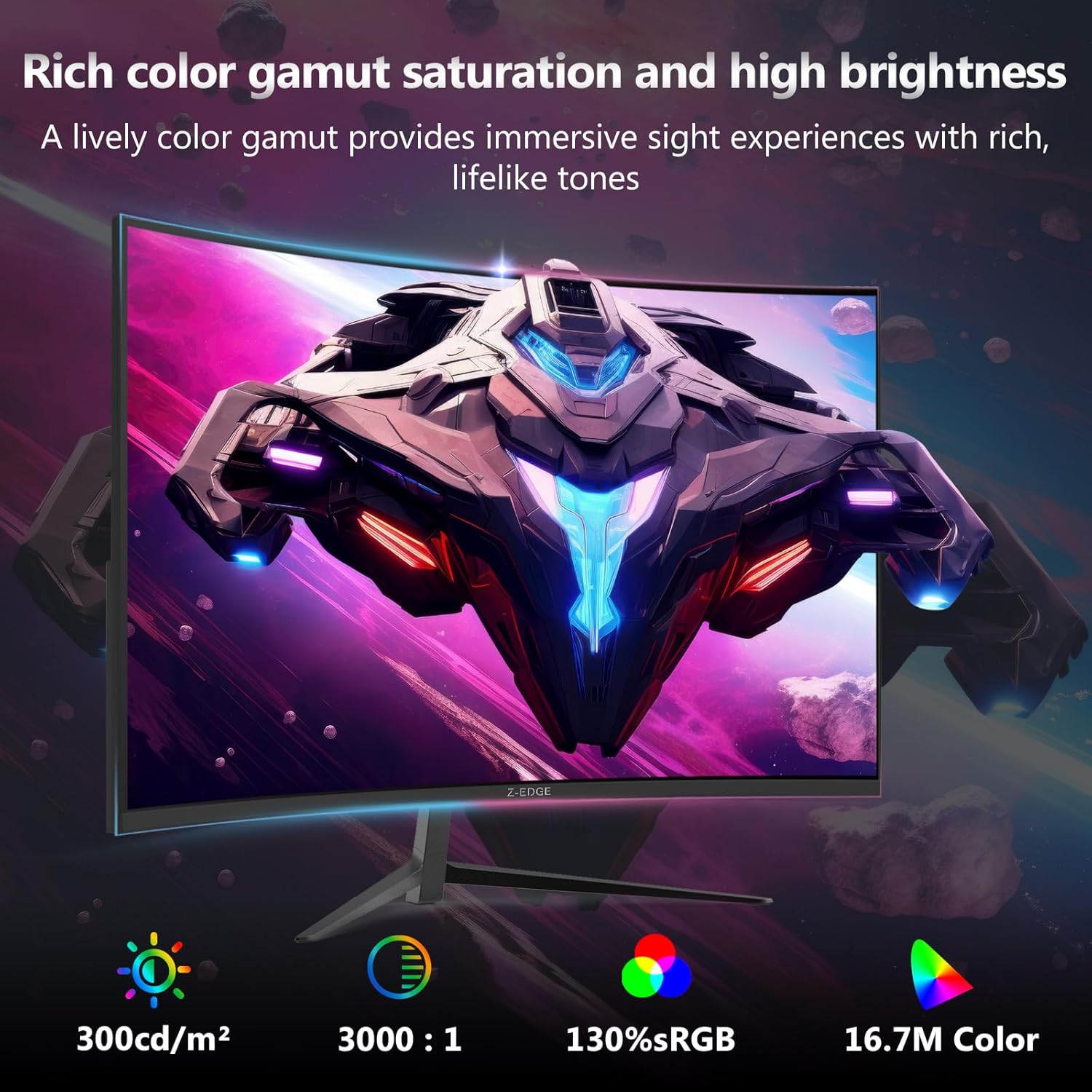
- FHD 1080P Resolution: With enhanced color accuracy and contrast, the monitor produces more vibrant and realistic visuals, providing a truly immersive gaming environment. The 3000:1 contrast ratio presents the deep blacks and brilliant whites, allowing you to capture more image details even in the dark
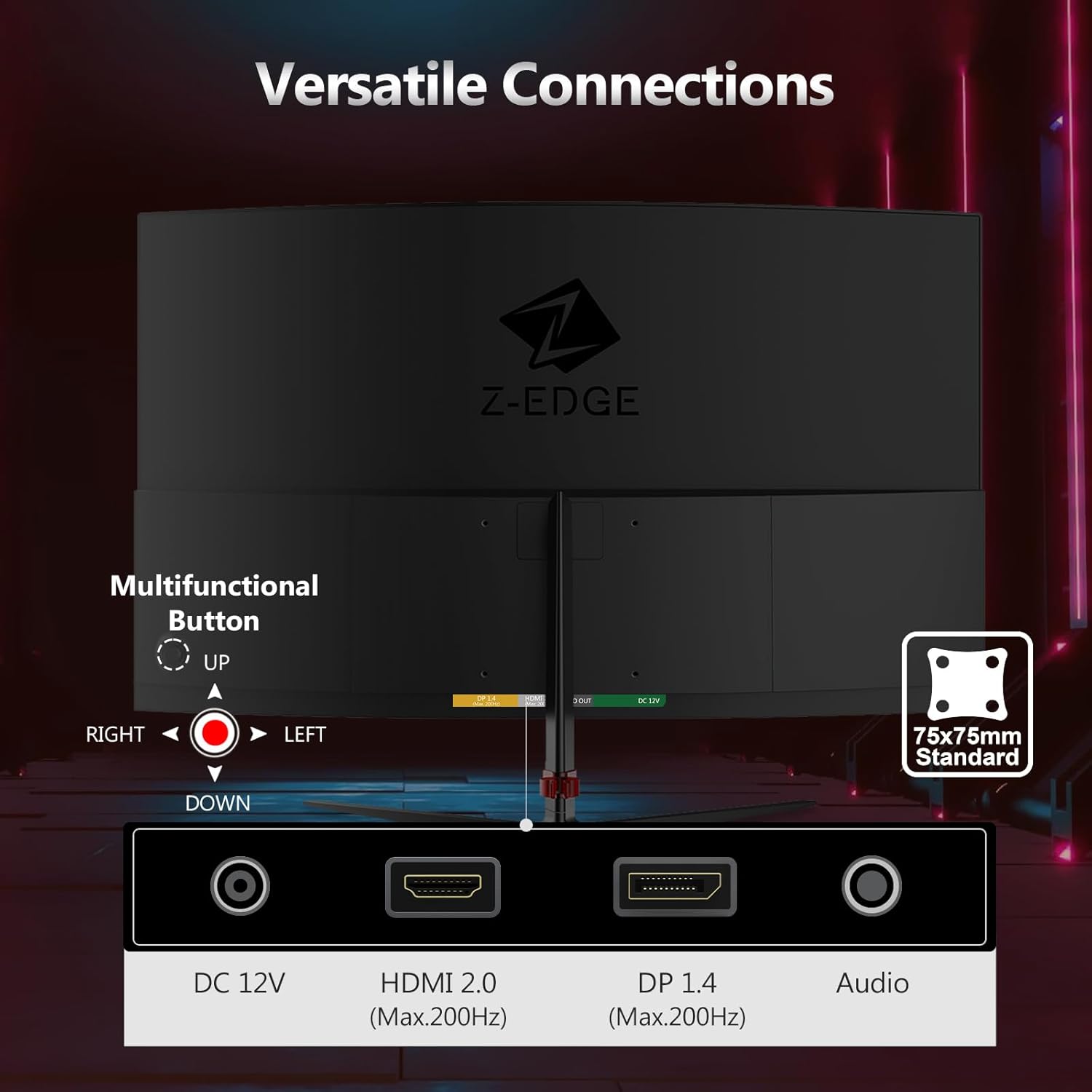
- Powerful and Strong Connections: Featuring with a HDMI inputs as well as a DP port, you can connect multiple devices to the monitor. With 180Hz refresh rate, images change faster and smoother than the standard, reducing screen tearing
- Ergonomic and Sleek Design: Support standard mount 75*75mm, the monitor can be installed on the wall or the mounting arm at ease, selecting the optimum position for the monitor freely. Three-sided edge to edge design makes full use of the screen, brings the modern and sleek look to this streamlined monitor, easy to expand your views in a dual-monitor setup

Razer Ornata V3 Gaming Keyboard: Low Profile Keys - Mecha Membrane Switches - UV Coated Keycaps - Backlit Media Keys - 10 Zone RGB Lighting - Spill Resistant - Magnetic Wrist...
Original price was: $86.40.$64.80Current price is: $64.80.
-100%





 Overview
| Brand |
Z-EDGE |
|---|---|
| UPC |
815895026987 |
| Manufacturer |
Z Z-Edge |
| Item height |
39 Centimetres |
| Manufacturer Contact Information |
Zero Edge Technology ,LLC Address: 270 17th Street ,Suite 4006 ,Atlanta ,GA ,US 30363 |
| Item Dimensions D x W x H |
11D x 60W x 39H Centimetres |
 Processor
| Brand |
Z-EDGE |
|---|---|
| UPC |
815895026987 |
| Manufacturer |
Z Z-Edge |
| Item height |
39 Centimetres |
| Manufacturer Contact Information |
Zero Edge Technology ,LLC Address: 270 17th Street ,Suite 4006 ,Atlanta ,GA ,US 30363 |
| Item Dimensions D x W x H |
11D x 60W x 39H Centimetres |
 Display
| Brand |
Z-EDGE |
|---|---|
| UPC |
815895026987 |
| Manufacturer |
Z Z-Edge |
| Item height |
39 Centimetres |
| Manufacturer Contact Information |
Zero Edge Technology ,LLC Address: 270 17th Street ,Suite 4006 ,Atlanta ,GA ,US 30363 |
| Item Dimensions D x W x H |
11D x 60W x 39H Centimetres |
 RAM
RAM
| Brand |
Z-EDGE |
|---|---|
| UPC |
815895026987 |
| Manufacturer |
Z Z-Edge |
| Item height |
39 Centimetres |
| Manufacturer Contact Information |
Zero Edge Technology ,LLC Address: 270 17th Street ,Suite 4006 ,Atlanta ,GA ,US 30363 |
| Item Dimensions D x W x H |
11D x 60W x 39H Centimetres |
 Storage
| Brand |
Z-EDGE |
|---|---|
| UPC |
815895026987 |
| Manufacturer |
Z Z-Edge |
| Item height |
39 Centimetres |
| Manufacturer Contact Information |
Zero Edge Technology ,LLC Address: 270 17th Street ,Suite 4006 ,Atlanta ,GA ,US 30363 |
| Item Dimensions D x W x H |
11D x 60W x 39H Centimetres |
 Video Card
| Brand |
Z-EDGE |
|---|---|
| UPC |
815895026987 |
| Manufacturer |
Z Z-Edge |
| Item height |
39 Centimetres |
| Manufacturer Contact Information |
Zero Edge Technology ,LLC Address: 270 17th Street ,Suite 4006 ,Atlanta ,GA ,US 30363 |
| Item Dimensions D x W x H |
11D x 60W x 39H Centimetres |
 Connectivity
| Brand |
Z-EDGE |
|---|---|
| UPC |
815895026987 |
| Manufacturer |
Z Z-Edge |
| Item height |
39 Centimetres |
| Manufacturer Contact Information |
Zero Edge Technology ,LLC Address: 270 17th Street ,Suite 4006 ,Atlanta ,GA ,US 30363 |
| Item Dimensions D x W x H |
11D x 60W x 39H Centimetres |
 Features
| Brand |
Z-EDGE |
|---|---|
| UPC |
815895026987 |
| Manufacturer |
Z Z-Edge |
| Item height |
39 Centimetres |
| Manufacturer Contact Information |
Zero Edge Technology ,LLC Address: 270 17th Street ,Suite 4006 ,Atlanta ,GA ,US 30363 |
| Item Dimensions D x W x H |
11D x 60W x 39H Centimetres |
 Battery
| Brand |
Z-EDGE |
|---|---|
| UPC |
815895026987 |
| Manufacturer |
Z Z-Edge |
| Item height |
39 Centimetres |
| Manufacturer Contact Information |
Zero Edge Technology ,LLC Address: 270 17th Street ,Suite 4006 ,Atlanta ,GA ,US 30363 |
| Item Dimensions D x W x H |
11D x 60W x 39H Centimetres |
 General
| Brand |
Z-EDGE |
|---|---|
| UPC |
815895026987 |
| Manufacturer |
Z Z-Edge |
| Item height |
39 Centimetres |
| Manufacturer Contact Information |
Zero Edge Technology ,LLC Address: 270 17th Street ,Suite 4006 ,Atlanta ,GA ,US 30363 |
| Item Dimensions D x W x H |
11D x 60W x 39H Centimetres |
Related Products
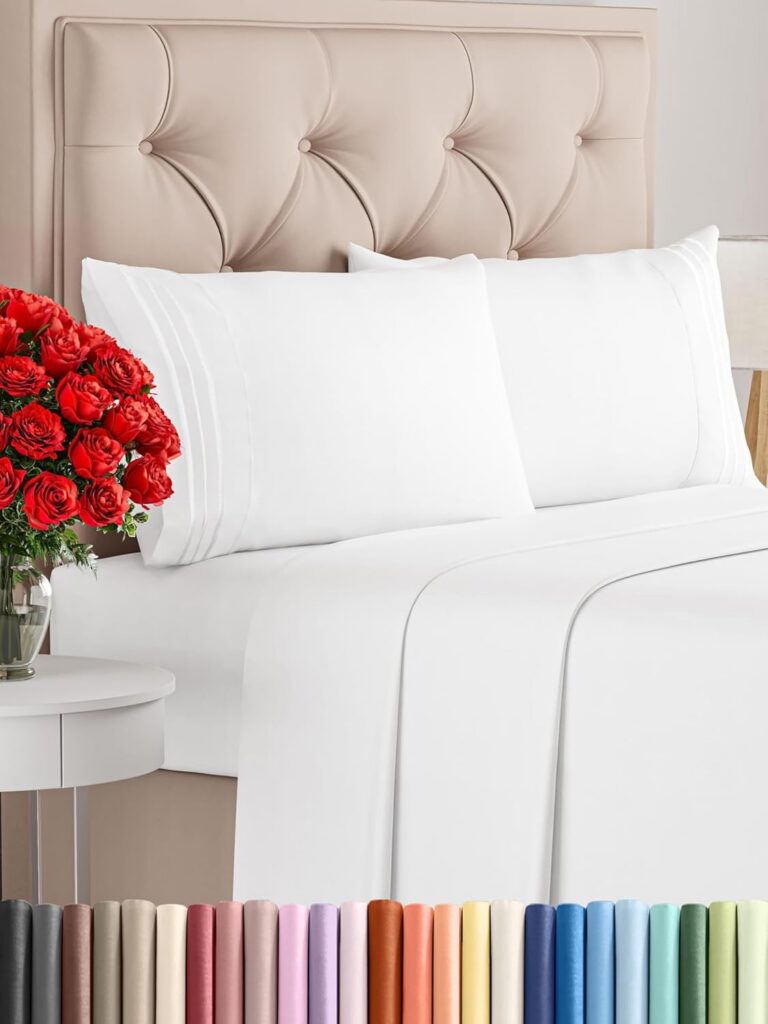
Queen Size 4 Piece Sheet Set – Comfy Breathable & Cooling Sheets – Hotel Luxury Bed Sheets for Women & Men – Deep Pockets, Easy-Fit, Extra Soft & Wrinkle Free Sheets – White…
In stock
Original price was: $56.20.$25.90Current price is: $25.90.
Compare
SKU:
A34A57FE
| Fabric Type |
Microfiber |
|---|---|
| Care Instructions |
Machine Wash |
| Number of Pieces |
4 |
| Batteries Required |
No |
| Included components |
Fitted Sheet ,Flat Sheet ,Pillowcase |
| Date First Available |
Jan. 23 2017 |
| Manufacturer |
CGK Unlimited |
| Place of Business |
CGK Unlimited ,600 Cleveland Street Suite #323 Clearwater ,FL 33755 |
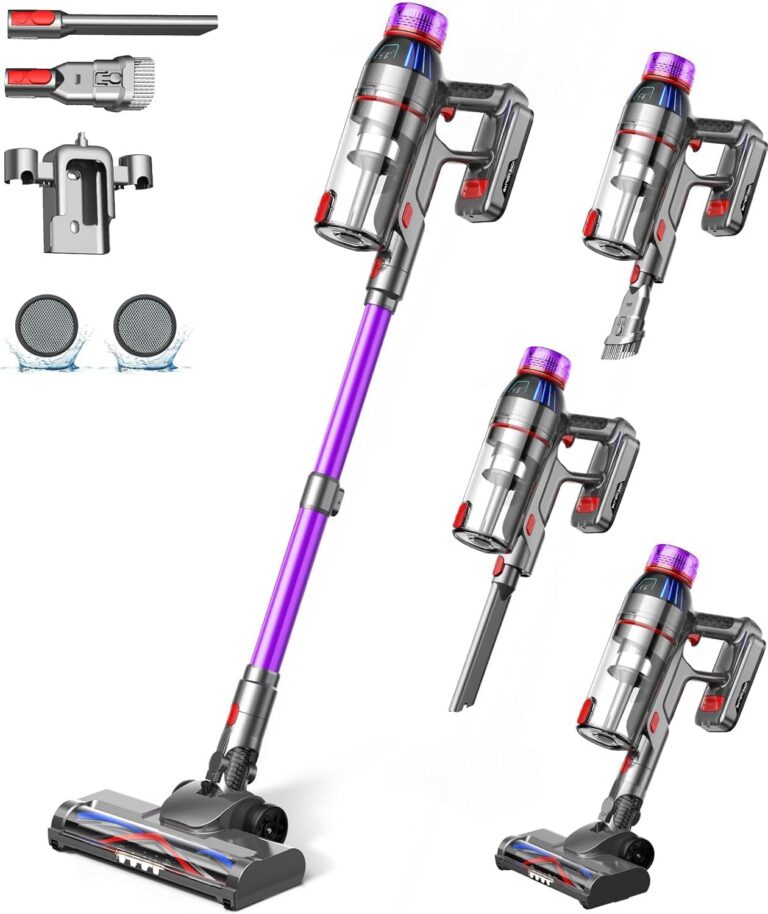
Cordless Stick Vacuum Cleaner: 550W Powerful Suction, LED Display, 55 Min Runtime, Anti-Tangle Brush, Rechargeable Battery, Lightweight for Home, Pet Hair, Hard Floors, Carpet
In stock
Original price was: $432.50.$111.40Current price is: $111.40.
Compare
SKU:
53BD544E
| Brand |
MQDXE |
|---|---|
| Model Number |
TV106S |
| Colour |
Purple |
| Parcel Dimensions |
43.2 x 24.4 x 19.2 cm ,3.29 kg |
| Power/Wattage |
550 watts |
| Voltage |
22.2 Volts |
| Material |
AA |
| Number of Speeds |
3 |
| Runtime |
55 minutes |
| Special Features |
Anti-Tangle Brush ,Cordless Stick Vacuum Cleaner for Home Pet Hair Hard Floors Carpet ,LED Flex Head LED Display ,Rechargeable Battery ,Ultra-Powerful Suction Up to 55 Mins Runtime |
| Item Weight |
3.29 kg |
| Date First Available |
Sept. 11 2024 |
| Manufacturer |
MQDXE |
| Place of Business |
MQDXE |

Utopia Bedding Waterproof Mattress Protector Queen Size, Viscose Made from Bamboo Mattress Cover 200 GSM, Fits 17 Inches Deep, Breathable, Fitted Style with Stretchable Pockets
In stock
Original price was: $27.70.$25.50Current price is: $25.50.
Compare
SKU:
3F93188F
| Brand |
Utopia Bedding |
|---|---|
| Model Number |
FBA_UB0014 |
| Colour |
White |
| Product Dimensions |
203.2 x 152.4 x 43.18 cm ,1.04 kg |
| Material |
80% Polyester ,20% Viscose Derived from Bamboo |
| Special Features |
Fitted Style ,Washable ,Wateproof |
| Item Weight |
1.04 kg |
| Date First Available |
July 20 2016 |
| Manufacturer |
Utopia Bedding |
| Place of Business |
2385 Meadowpine Blvd 1 ,Mississauga |
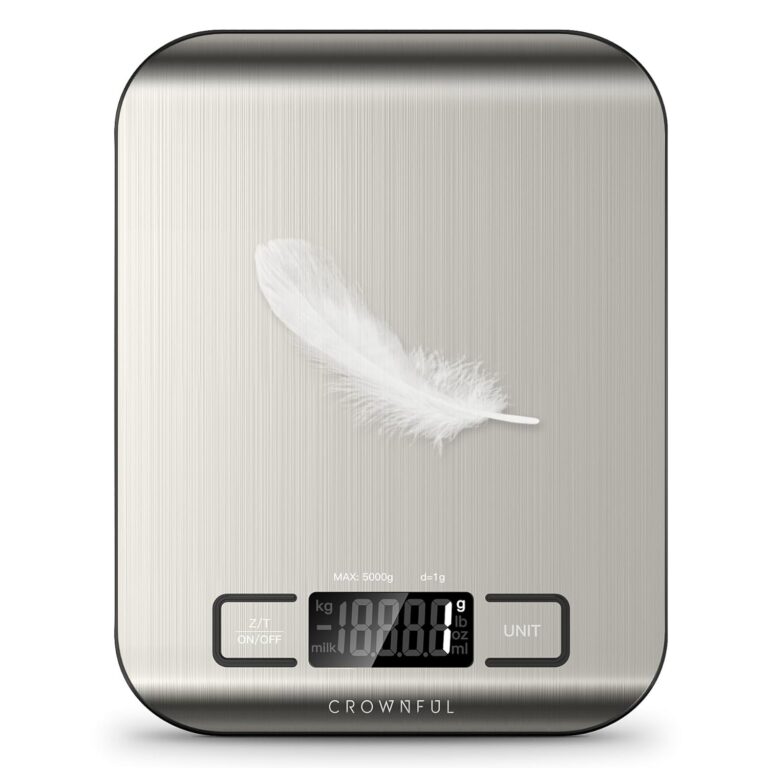
CROWNFUL Food Scale, 11lb Digital Kitchen Scales Weight Ounces and Grams for Cooking and Baking, 6 Units with Tare Function (Battery Included)
In stock
Original price was: $19.00.$15.60Current price is: $15.60.
Compare
SKU:
775EA946
| Manufacturer |
CROWNFUL |
|---|---|
| Place of Business |
Anaheim ,CA 92804 ,US |
| Part number |
SYDZC1 |
| Item Weight |
230 g |
| Product Dimensions |
1.5 x 18 x 14 cm ,230 g |
| Batteries |
1 CR2032 batteries required. |
| Item model number |
CF-KS01 |
| Colour |
Sliver |
| Material |
Stainless Steel |
| Power source type |
Battery |
| Voltage |
3 Volts |
| Item Package Quantity |
1 |
| Maximum Weight Capacity |
5 Kilograms |
| Display Style |
LCD |
| Special Features |
Backlit Display |
| Batteries Included |
No |
| Batteries Required |
Yes |
| Battery Cell Type |
Alkaline |
| Length |
1.5 Centimetres |
| Width |
18 Centimetres |
| Height |
14 Centimetres |
| Date First Available |
Sept. 22 2020 |

LEVOIT Humidifiers for Bedroom, 2.5L Top Fill Cool Mist Air Humidifier for Baby Nursery, Plants, Ultrasonic, Auto Shut-off, BPA Free, Quiet, Knob Control, 360° Nozzle
In stock
$43.20
Compare
SKU:
DBF729DA
| Item Weight |
2.16 Pounds |
|---|---|
| Care Instructions |
Hand Wash |
| Assembly Required |
No |
| Number of Pieces |
1 |
| Type of Guarantee |
2 year |
| Batteries Required |
No |
| Included components |
1 x 2.5L Top-Fill Cool Mist Humidifier Classic 160 ,Cleaning Brush ,User Manual ,Water Filter Sponge |
| Date First Available |
Aug. 15 2023 |
| Manufacturer |
LEVOIT |
| Place of Business |
ANAHEIM ,CA ,92806 US |
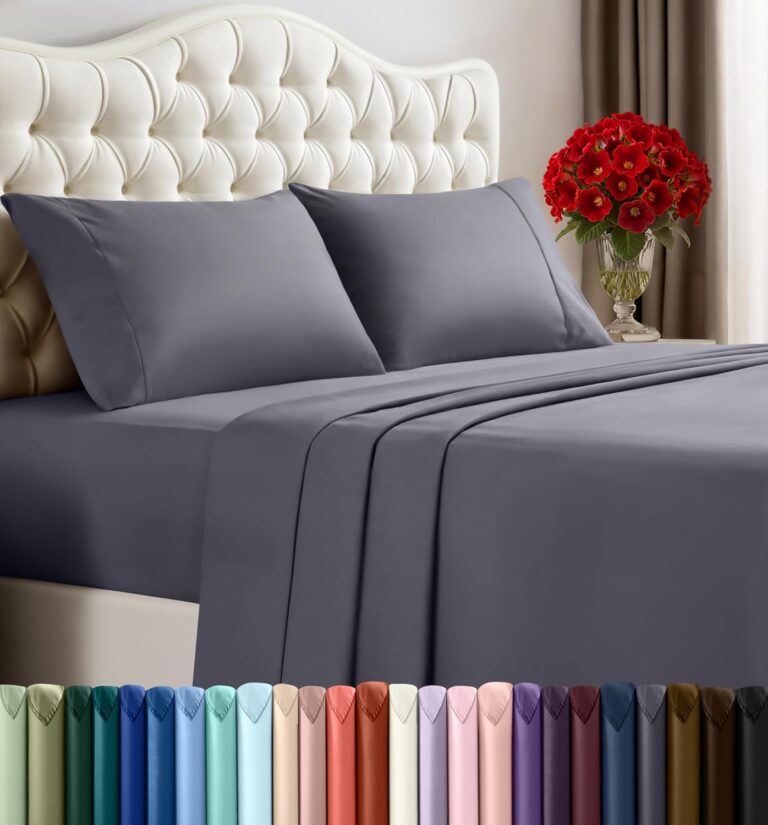
Utopia Bedding Queen Sheet Set – 4 Piece Queen Bed Sheets Set – Soft Brushed Microfiber Fabric – Shrinkage & Fade Resistant – Easy Care (Grey)
In stock
Original price was: $30.30.$19.00Current price is: $19.00.
Compare
SKU:
CC8B720D
| Fabric Type |
100% Polyester Microfiber |
|---|---|
| Tick-Repellent Material |
100% Polyester |
| Finish Types |
Soft |
| Care Instructions |
Machine wash ,tumble dry or iron low heat ,Do not bleach |
| Number of Pieces |
4 |
| Batteries Required |
No |
| Included components |
Fitted Sheet ,Flat Sheet ,Pillowcase |
| Date First Available |
Sept. 24 2015 |
| Manufacturer |
Utopia Bedding |
| Place of Business |
2407 Meadowpine Blvd 1 ,Mississauga ,ON L5N 6C3 ,Canada |
Renato A. –
I am not a gamer, so I am reviewing this Monitor as a general user who is mainly interested in photos.
I have no other monitors to jointly connect to via the Display Port, and my computer doesn’t have a Display Port socket, so I haven’t checked those aspects out.
The monitor’s 3840×2160 resolution, means that it can show all the pixels of pictures taken with an 8.3Mpixel camera. As a result, all my photos shot over the last 20 years on my old 6Mpx and 10 Mpx cameras look fantastic on this monitor – almost as if I was there now. This is much better than on my previous HD monitor. I didn’t need to adjust a single button on this monitor to achieve that startling result.
It was a slight nuisance that the monitor only came with a Display Port cable, meaning that I had to use an old HDMI cable to connect to my computer. On the other hand, that DP cable may come handy when I eventually buy a newer computer.
The oddest thing about the monitor, is that this is the first monitor I have ever had which didn’t have the control buttons and on-off button on the front face of the screen. Instead they are behind the screen. It is simple enough to reach around behind the screen to turn it off and on. But it is more awkward if one actually wants to adjust the settings via the buttons behind the monitor – though I quickly got used to it.
The first thing I had to do when I plugged in the Monitor, was to adjust the Windows Display Options and set the display to 200% of normal, so that everything looked as it had in the old Monitor.
I’ve noticed that one of the reviews of this monitor from the UK, mentions that the monitor has two small speakers. My one has no speakers – no sound comes from it. The manual also says that it has no speakers.
Thus, if one was previously using the old monitor’s speakers for sound, one would need to buy additional speakers to get sound from this computer/monitor system. I didn’t need to, as I already had separate speakers, for which I plugged their 3.5mm audio jack into the monitor (I didn’t need to, as I could have just plugged the jack into the computer itself – but that looked a bit messier).
To sum up, an excellent monitor delivering excellent results to a non-gamer like me.
Regards.
horst n. –
Habe mir den Monitor als kostengünstige Übergangslösung gekauft, weil mein original Apple Monitor am Mac Studio defekt war.
Funktioniert gut, auch am Mac, ist einfach in Betrieb zu nehmen, Bildqualität mit Kontrast, Helligkeit etc. ist erstaunlich gut bei dem Preis und für einen normalen Anwender wie mich absolut ok.
Die technischen Detailwerte interessieren mich in so einem Fall nicht, jedenfalls nicht solange ich alles klar und sauber sehe und meine Augen nicht schneller müde werden als mit einem anderen Monitor und das ist so.
Ich kann mit diesem Monitor arbeiten und halte das für eine volltaugliche Lösung für jemanden der jeden Tag eine begrenzte Zeit am Computer sitzt.
Möglicherweise merkt man den Unterschied, wenn man täglich 8 Stunden oder länger auf den Schirm schauen muss, das ist bei mir mit diesem Gerät nicht der Fall, also klare Kaufempfehlung.
おにぎり頭 –
Dell u2720qのサブモニターとして使っていますが、画面の起動が遅く、IPSモニターではありますが、比べると視野角が狭い気がします。まぁ、4Kの作業用として使うなら十分ですが、ゲームやイラスト製作者には向いておりません。追従速度は遅く、若干白みがかってみえるので、ただしく色が表示されてないといった感想です。
No sirve, tiene falso contacto y desconecta los dispositivos. –
Tiene u muy buena resolución y los colores son muy reales, me sirve Perfecto para retoque de fotos.
Manuele C. –
Nella descrizione sta scritto che il display ha un tempo di risposta di 4 ms. In realtà il manuale originale riporta 14 ms. Penso si tratti di un tipo vecchio di display. Inoltre non e’ fornito il manuale in italiano. Il modello aggiornato ha lo stesso problema. Le impostazioni alla massima risoluzione offrono un refresh di 30 Hz, non so se ho mancato di impostare qualcosa ma win da quel massimo. Non mi sembrea un prodotto raccomandabile.