





![Arduino UNO Q [ABX00162] - Hybrid Board, Qualcomm Dragonwing, QRB2210 microprocessor (MPU) & STM32U585 Microcontroller(MCU), AI Vision, Voice, IoT, Robotics, Linux, Debian OS,...](https://wordpress-kckw0oo08kkkggg8kcso0800.resource.crystalcodes.org/wp-content/uploads/2026/01/arduino-uno-q-abx00162-hybrid-board-qualcomm-dragonwing-qrb2210-150x150.jpg)



- 【PORTABLE TABLET for RASPBERRY PI 】An ideal tablet for Raspberry Pi programming, perfectly for Raspberry Pi 4B. (✳Raspberry Pi is not included). RasPad with 10.1 inch IPS touchscreen LCD monitor, high resolution of 1280*800 pixels, 10-finger touch, and 5-hour battery life. Easily assemble in 2 steps and go.
- 【EXTEND, MIRROR, & ROTATE】Thanks to HDMI, you can connect RasPad to other monitors for better multitasking or mirroring. Additionally, the triangular structure design and six-axis acceleration sensor allow it to be placed flat or upright on the table, as well as rotated 90°, 180°, and 270° for amazing presentations!
- 【RICH EXTENSION INTERFACES】 All ports for Raspberry Pi are available, including Ethernet, HDMI, Audio, USB, and Power. With RasPad, developers can have a convenient hardware-hacking experience thanks to a custom OS, RPi I/O interface, stereo speakers, GPIO extensions and camera mounting holes to build or install RasPad projects. You can start programming from anywhere with fun daily work.
- 【ABOUNDANT APPLICATION】Compatible with Arduino, Raspbian, Ubuntu Desktop, Chromium OS, Android, etc. Realize a tablet to program, a remote controller, and a spare display. Besides programming, RasPad can also be used to 3D print, play games, build IoT projects, and learn Scratch 3.0.
- 【RASPAD3.0 VS Other Computers】As an all-in-one tablet for Raspberry Pi, RasPad 3.0 delivers greater portability and neatness compared with other computers. Featuring great battery management, built-in speakers, rotational use, and cover protection. TF card extension also included. Micro SD cards can be easily replaced without having to remove the back cover.
 Overview
| Connectivity Technology |
Ethernet ,HDMI ,USB |
|---|---|
| Operating System |
All Windows Server Versions 2000 |
| Additional Features |
3D ,Portable ,Touchscreen |
| Specific Uses For Product |
Gaming |
| Display Type |
LCD |
| Compatible Devices |
Personal Computer |
| Native Resolution |
1280 x 800 pixels |
| Screen Size |
10.1 Inches |
| Active Surface Area |
23.88 square inches |
| Item Dimensions L x W |
25.7L x 25.7W Centimetres |
| Colour |
Black |
| Brand |
SUNFOUNDER |
| Model Name |
RasPad 3.0 |
| Built-In Media |
Built-in speakers ,battery ,and external charger |
| Target Audience |
Teacher |
| Model Number |
RasPad 3.0 |
| Manufacturer |
sunfounder |
| Item height |
4.8 Centimetres |
| Manufacturer Contact Information |
Shenzhen ,GuangDong 518000,CN |
 Processor
| Connectivity Technology |
Ethernet ,HDMI ,USB |
|---|---|
| Operating System |
All Windows Server Versions 2000 |
| Additional Features |
3D ,Portable ,Touchscreen |
| Specific Uses For Product |
Gaming |
| Display Type |
LCD |
| Compatible Devices |
Personal Computer |
| Native Resolution |
1280 x 800 pixels |
| Screen Size |
10.1 Inches |
| Active Surface Area |
23.88 square inches |
| Item Dimensions L x W |
25.7L x 25.7W Centimetres |
| Colour |
Black |
| Brand |
SUNFOUNDER |
| Model Name |
RasPad 3.0 |
| Built-In Media |
Built-in speakers ,battery ,and external charger |
| Target Audience |
Teacher |
| Model Number |
RasPad 3.0 |
| Manufacturer |
sunfounder |
| Item height |
4.8 Centimetres |
| Manufacturer Contact Information |
Shenzhen ,GuangDong 518000,CN |
 Display
| Connectivity Technology |
Ethernet ,HDMI ,USB |
|---|---|
| Operating System |
All Windows Server Versions 2000 |
| Additional Features |
3D ,Portable ,Touchscreen |
| Specific Uses For Product |
Gaming |
| Display Type |
LCD |
| Compatible Devices |
Personal Computer |
| Native Resolution |
1280 x 800 pixels |
| Screen Size |
10.1 Inches |
| Active Surface Area |
23.88 square inches |
| Item Dimensions L x W |
25.7L x 25.7W Centimetres |
| Colour |
Black |
| Brand |
SUNFOUNDER |
| Model Name |
RasPad 3.0 |
| Built-In Media |
Built-in speakers ,battery ,and external charger |
| Target Audience |
Teacher |
| Model Number |
RasPad 3.0 |
| Manufacturer |
sunfounder |
| Item height |
4.8 Centimetres |
| Manufacturer Contact Information |
Shenzhen ,GuangDong 518000,CN |
 RAM
RAM
| Connectivity Technology |
Ethernet ,HDMI ,USB |
|---|---|
| Operating System |
All Windows Server Versions 2000 |
| Additional Features |
3D ,Portable ,Touchscreen |
| Specific Uses For Product |
Gaming |
| Display Type |
LCD |
| Compatible Devices |
Personal Computer |
| Native Resolution |
1280 x 800 pixels |
| Screen Size |
10.1 Inches |
| Active Surface Area |
23.88 square inches |
| Item Dimensions L x W |
25.7L x 25.7W Centimetres |
| Colour |
Black |
| Brand |
SUNFOUNDER |
| Model Name |
RasPad 3.0 |
| Built-In Media |
Built-in speakers ,battery ,and external charger |
| Target Audience |
Teacher |
| Model Number |
RasPad 3.0 |
| Manufacturer |
sunfounder |
| Item height |
4.8 Centimetres |
| Manufacturer Contact Information |
Shenzhen ,GuangDong 518000,CN |
 Storage
| Connectivity Technology |
Ethernet ,HDMI ,USB |
|---|---|
| Operating System |
All Windows Server Versions 2000 |
| Additional Features |
3D ,Portable ,Touchscreen |
| Specific Uses For Product |
Gaming |
| Display Type |
LCD |
| Compatible Devices |
Personal Computer |
| Native Resolution |
1280 x 800 pixels |
| Screen Size |
10.1 Inches |
| Active Surface Area |
23.88 square inches |
| Item Dimensions L x W |
25.7L x 25.7W Centimetres |
| Colour |
Black |
| Brand |
SUNFOUNDER |
| Model Name |
RasPad 3.0 |
| Built-In Media |
Built-in speakers ,battery ,and external charger |
| Target Audience |
Teacher |
| Model Number |
RasPad 3.0 |
| Manufacturer |
sunfounder |
| Item height |
4.8 Centimetres |
| Manufacturer Contact Information |
Shenzhen ,GuangDong 518000,CN |
 Video Card
| Connectivity Technology |
Ethernet ,HDMI ,USB |
|---|---|
| Operating System |
All Windows Server Versions 2000 |
| Additional Features |
3D ,Portable ,Touchscreen |
| Specific Uses For Product |
Gaming |
| Display Type |
LCD |
| Compatible Devices |
Personal Computer |
| Native Resolution |
1280 x 800 pixels |
| Screen Size |
10.1 Inches |
| Active Surface Area |
23.88 square inches |
| Item Dimensions L x W |
25.7L x 25.7W Centimetres |
| Colour |
Black |
| Brand |
SUNFOUNDER |
| Model Name |
RasPad 3.0 |
| Built-In Media |
Built-in speakers ,battery ,and external charger |
| Target Audience |
Teacher |
| Model Number |
RasPad 3.0 |
| Manufacturer |
sunfounder |
| Item height |
4.8 Centimetres |
| Manufacturer Contact Information |
Shenzhen ,GuangDong 518000,CN |
 Connectivity
| Connectivity Technology |
Ethernet ,HDMI ,USB |
|---|---|
| Operating System |
All Windows Server Versions 2000 |
| Additional Features |
3D ,Portable ,Touchscreen |
| Specific Uses For Product |
Gaming |
| Display Type |
LCD |
| Compatible Devices |
Personal Computer |
| Native Resolution |
1280 x 800 pixels |
| Screen Size |
10.1 Inches |
| Active Surface Area |
23.88 square inches |
| Item Dimensions L x W |
25.7L x 25.7W Centimetres |
| Colour |
Black |
| Brand |
SUNFOUNDER |
| Model Name |
RasPad 3.0 |
| Built-In Media |
Built-in speakers ,battery ,and external charger |
| Target Audience |
Teacher |
| Model Number |
RasPad 3.0 |
| Manufacturer |
sunfounder |
| Item height |
4.8 Centimetres |
| Manufacturer Contact Information |
Shenzhen ,GuangDong 518000,CN |
 Features
| Connectivity Technology |
Ethernet ,HDMI ,USB |
|---|---|
| Operating System |
All Windows Server Versions 2000 |
| Additional Features |
3D ,Portable ,Touchscreen |
| Specific Uses For Product |
Gaming |
| Display Type |
LCD |
| Compatible Devices |
Personal Computer |
| Native Resolution |
1280 x 800 pixels |
| Screen Size |
10.1 Inches |
| Active Surface Area |
23.88 square inches |
| Item Dimensions L x W |
25.7L x 25.7W Centimetres |
| Colour |
Black |
| Brand |
SUNFOUNDER |
| Model Name |
RasPad 3.0 |
| Built-In Media |
Built-in speakers ,battery ,and external charger |
| Target Audience |
Teacher |
| Model Number |
RasPad 3.0 |
| Manufacturer |
sunfounder |
| Item height |
4.8 Centimetres |
| Manufacturer Contact Information |
Shenzhen ,GuangDong 518000,CN |
 Battery
| Connectivity Technology |
Ethernet ,HDMI ,USB |
|---|---|
| Operating System |
All Windows Server Versions 2000 |
| Additional Features |
3D ,Portable ,Touchscreen |
| Specific Uses For Product |
Gaming |
| Display Type |
LCD |
| Compatible Devices |
Personal Computer |
| Native Resolution |
1280 x 800 pixels |
| Screen Size |
10.1 Inches |
| Active Surface Area |
23.88 square inches |
| Item Dimensions L x W |
25.7L x 25.7W Centimetres |
| Colour |
Black |
| Brand |
SUNFOUNDER |
| Model Name |
RasPad 3.0 |
| Built-In Media |
Built-in speakers ,battery ,and external charger |
| Target Audience |
Teacher |
| Model Number |
RasPad 3.0 |
| Manufacturer |
sunfounder |
| Item height |
4.8 Centimetres |
| Manufacturer Contact Information |
Shenzhen ,GuangDong 518000,CN |
 General
| Connectivity Technology |
Ethernet ,HDMI ,USB |
|---|---|
| Operating System |
All Windows Server Versions 2000 |
| Additional Features |
3D ,Portable ,Touchscreen |
| Specific Uses For Product |
Gaming |
| Display Type |
LCD |
| Compatible Devices |
Personal Computer |
| Native Resolution |
1280 x 800 pixels |
| Screen Size |
10.1 Inches |
| Active Surface Area |
23.88 square inches |
| Item Dimensions L x W |
25.7L x 25.7W Centimetres |
| Colour |
Black |
| Brand |
SUNFOUNDER |
| Model Name |
RasPad 3.0 |
| Built-In Media |
Built-in speakers ,battery ,and external charger |
| Target Audience |
Teacher |
| Model Number |
RasPad 3.0 |
| Manufacturer |
sunfounder |
| Item height |
4.8 Centimetres |
| Manufacturer Contact Information |
Shenzhen ,GuangDong 518000,CN |
Related Products
Queen Size 4 Piece Sheet Set – Comfy Breathable & Cooling Sheets – Hotel Luxury Bed Sheets for Women & Men – Deep Pockets, Easy-Fit, Extra Soft & Wrinkle Free Sheets – White…
In stock
Original price was: $56.20.$25.90Current price is: $25.90.
Compare
SKU:
A34A57FE
| Fabric Type |
Microfiber |
|---|---|
| Care Instructions |
Machine Wash |
| Number of Pieces |
4 |
| Batteries Required |
No |
| Included components |
Fitted Sheet ,Flat Sheet ,Pillowcase |
| Date First Available |
Jan. 23 2017 |
| Manufacturer |
CGK Unlimited |
| Place of Business |
CGK Unlimited ,600 Cleveland Street Suite #323 Clearwater ,FL 33755 |
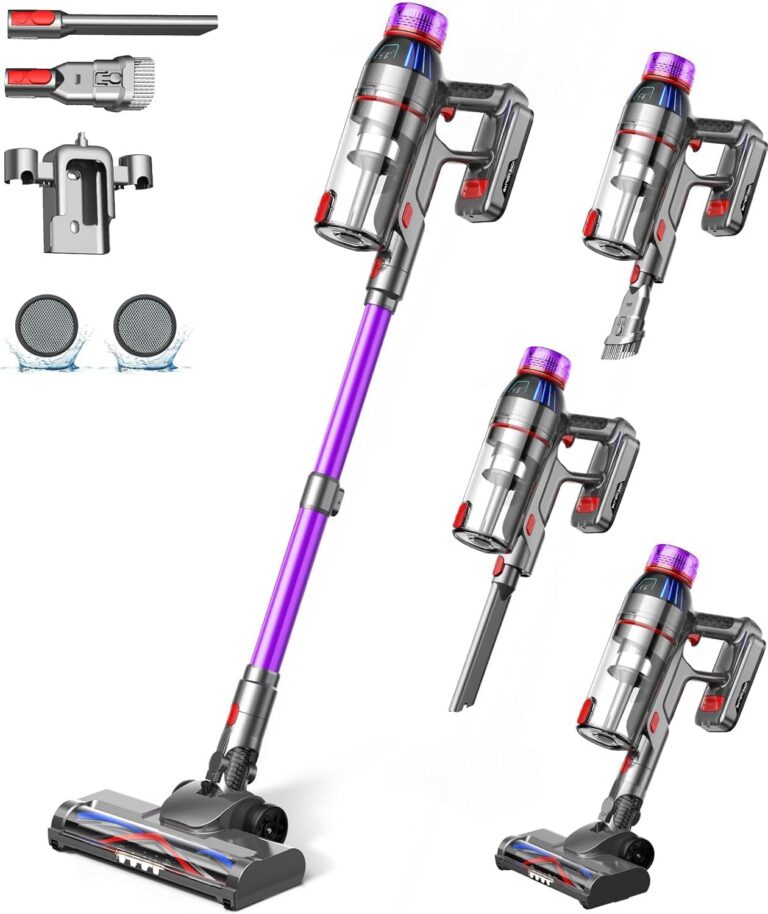
Cordless Stick Vacuum Cleaner: 550W Powerful Suction, LED Display, 55 Min Runtime, Anti-Tangle Brush, Rechargeable Battery, Lightweight for Home, Pet Hair, Hard Floors, Carpet
In stock
Original price was: $432.50.$111.40Current price is: $111.40.
Compare
SKU:
53BD544E
| Brand |
MQDXE |
|---|---|
| Model Number |
TV106S |
| Colour |
Purple |
| Parcel Dimensions |
43.2 x 24.4 x 19.2 cm ,3.29 kg |
| Power/Wattage |
550 watts |
| Voltage |
22.2 Volts |
| Material |
AA |
| Number of Speeds |
3 |
| Runtime |
55 minutes |
| Special Features |
Anti-Tangle Brush ,Cordless Stick Vacuum Cleaner for Home Pet Hair Hard Floors Carpet ,LED Flex Head LED Display ,Rechargeable Battery ,Ultra-Powerful Suction Up to 55 Mins Runtime |
| Item Weight |
3.29 kg |
| Date First Available |
Sept. 11 2024 |
| Manufacturer |
MQDXE |
| Place of Business |
MQDXE |

Utopia Bedding Waterproof Mattress Protector Queen Size, Viscose Made from Bamboo Mattress Cover 200 GSM, Fits 17 Inches Deep, Breathable, Fitted Style with Stretchable Pockets
In stock
Original price was: $27.70.$25.50Current price is: $25.50.
Compare
SKU:
3F93188F
| Brand |
Utopia Bedding |
|---|---|
| Model Number |
FBA_UB0014 |
| Colour |
White |
| Product Dimensions |
203.2 x 152.4 x 43.18 cm ,1.04 kg |
| Material |
80% Polyester ,20% Viscose Derived from Bamboo |
| Special Features |
Fitted Style ,Washable ,Wateproof |
| Item Weight |
1.04 kg |
| Date First Available |
July 20 2016 |
| Manufacturer |
Utopia Bedding |
| Place of Business |
2385 Meadowpine Blvd 1 ,Mississauga |
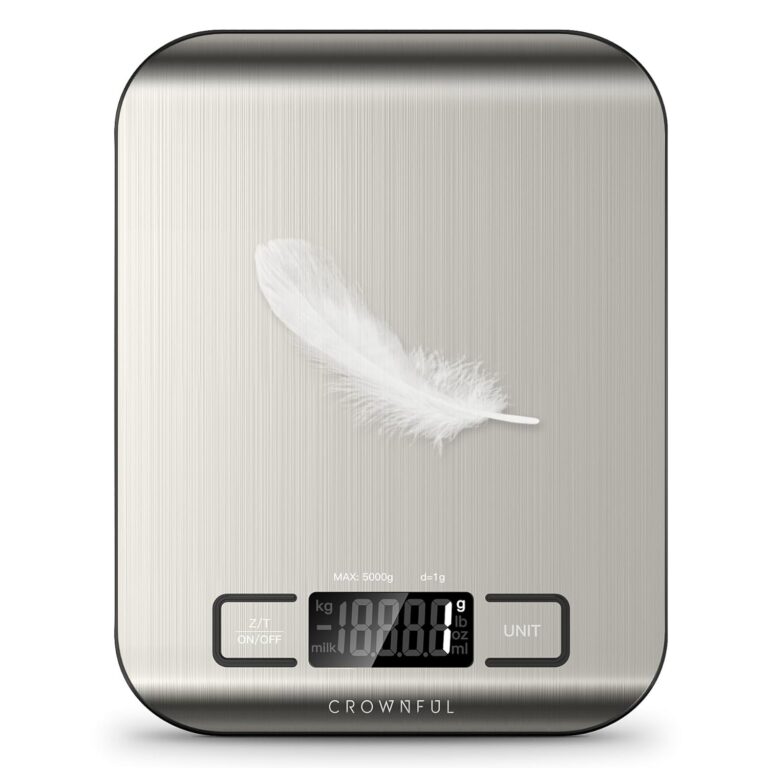
CROWNFUL Food Scale, 11lb Digital Kitchen Scales Weight Ounces and Grams for Cooking and Baking, 6 Units with Tare Function (Battery Included)
In stock
Original price was: $19.00.$15.60Current price is: $15.60.
Compare
SKU:
775EA946
| Manufacturer |
CROWNFUL |
|---|---|
| Place of Business |
Anaheim ,CA 92804 ,US |
| Part number |
SYDZC1 |
| Item Weight |
230 g |
| Product Dimensions |
1.5 x 18 x 14 cm ,230 g |
| Batteries |
1 CR2032 batteries required. |
| Item model number |
CF-KS01 |
| Colour |
Sliver |
| Material |
Stainless Steel |
| Power source type |
Battery |
| Voltage |
3 Volts |
| Item Package Quantity |
1 |
| Maximum Weight Capacity |
5 Kilograms |
| Display Style |
LCD |
| Special Features |
Backlit Display |
| Batteries Included |
No |
| Batteries Required |
Yes |
| Battery Cell Type |
Alkaline |
| Length |
1.5 Centimetres |
| Width |
18 Centimetres |
| Height |
14 Centimetres |
| Date First Available |
Sept. 22 2020 |
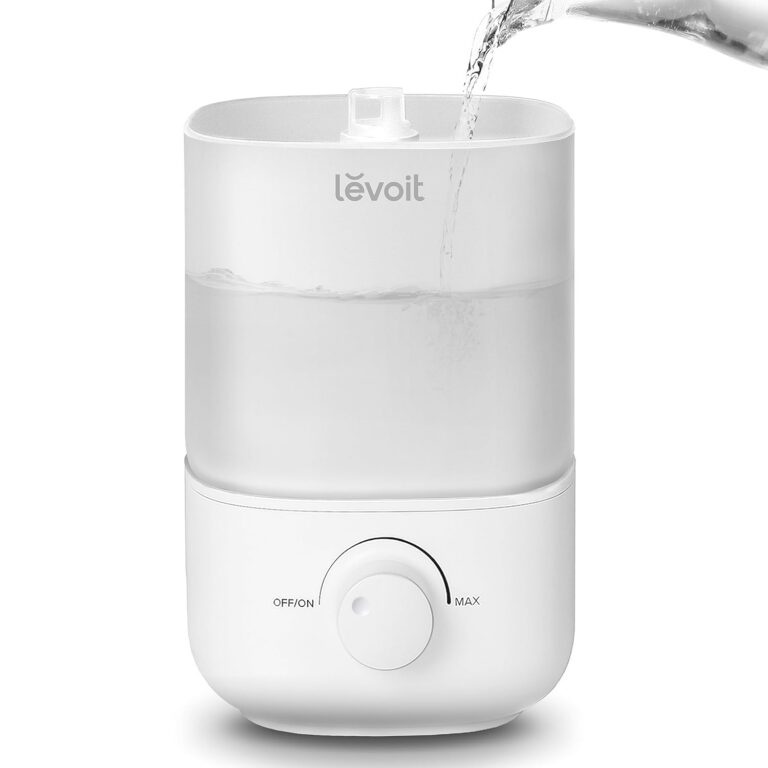
LEVOIT Humidifiers for Bedroom, 2.5L Top Fill Cool Mist Air Humidifier for Baby Nursery, Plants, Ultrasonic, Auto Shut-off, BPA Free, Quiet, Knob Control, 360° Nozzle
In stock
$43.20
Compare
SKU:
DBF729DA
| Item Weight |
2.16 Pounds |
|---|---|
| Care Instructions |
Hand Wash |
| Assembly Required |
No |
| Number of Pieces |
1 |
| Type of Guarantee |
2 year |
| Batteries Required |
No |
| Included components |
1 x 2.5L Top-Fill Cool Mist Humidifier Classic 160 ,Cleaning Brush ,User Manual ,Water Filter Sponge |
| Date First Available |
Aug. 15 2023 |
| Manufacturer |
LEVOIT |
| Place of Business |
ANAHEIM ,CA ,92806 US |
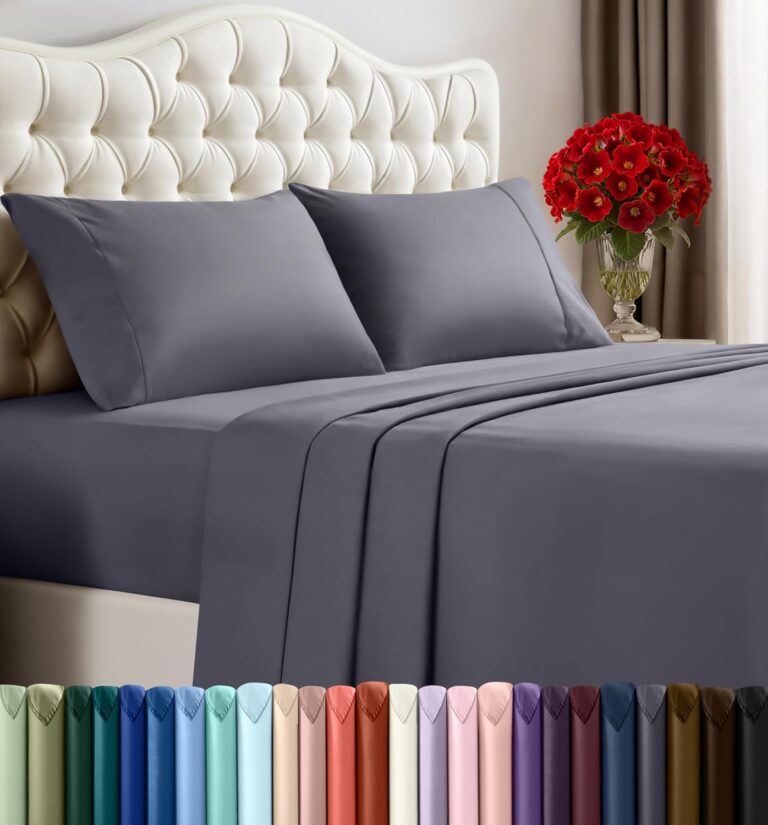
Utopia Bedding Queen Sheet Set – 4 Piece Queen Bed Sheets Set – Soft Brushed Microfiber Fabric – Shrinkage & Fade Resistant – Easy Care (Grey)
In stock
Original price was: $30.30.$19.00Current price is: $19.00.
Compare
SKU:
CC8B720D
| Fabric Type |
100% Polyester Microfiber |
|---|---|
| Tick-Repellent Material |
100% Polyester |
| Finish Types |
Soft |
| Care Instructions |
Machine wash ,tumble dry or iron low heat ,Do not bleach |
| Number of Pieces |
4 |
| Batteries Required |
No |
| Included components |
Fitted Sheet ,Flat Sheet ,Pillowcase |
| Date First Available |
Sept. 24 2015 |
| Manufacturer |
Utopia Bedding |
| Place of Business |
2407 Meadowpine Blvd 1 ,Mississauga ,ON L5N 6C3 ,Canada |
Philip Siu –
I just want to say right off the bat that I love the scree and the porability of the RasPad3 the battery life is great and you get what you pay for.
That being said its strong, durable and a great addition to my setup. Since I run multiple Raspberry Pi’s and wanted a machine to be able to test out other operating systems this fit the bill it was a self contained unit that I could take where I needed. Being able to program and just even play some games when bored was great and enjoyable. The construction of the unit feels good I was very happy with the design since rotating and even having it laying on a table flat was enjoyable and views were always good on the unit. I installed a pi4 4gb into the unit and the temps kept cooler then some other products on the market so that was a great bonus which the fan is a bit noisy but with a bit of tweaking this is fixable. I did do a full unboxing and setup video on YouTube on this unit so make sure to search for “RasPad 3 Unboxing, Setup and First Use”
I would certainly buy another unit for my setup to make a dev unit with a breadboard attached to it full time as I think I wouldn’t want to constantly undo the case to unplug the gpio adapter. I would have like to have seen a a female to male adapter on the outside of the case with a dust cover to add quicker connection and disconnection of the gpio ribbon cable.
As you can see the first picture that it lives under my monitor and is easy to disconnect and move around. Which is great because I have vnc on all my pi’s around the shop so now I can go anywhere and be able to connect to them or my windows computer on the fly and control them with no issues.
I have only tried a few operating systems on the RasPad 3 but want to try a few more soon the only issue I can see having is on random os builds is not being able to have the screen rotation available but most should have the ability to adjust your screen orientation in the preferences.
The speakers are good they are good enough to be using for general use like playing retro games and listening to videos and so on.
For the price its great, sturdy and portable which in the end is the main thing for me. I even have bashed it up a bit and no marks on the screen or the casing as of yet.
But like any product check out reviews and videos on the stuff you want to buy and make sure its right for you. Who knows you might have a dock all setup and all you need is a external sunfounder display which I assume would be just as good which I will have to check out at some point since I have my demo pi unit that is mounted to a sunfounder plate with an arduino and raspberry pi and breadboard. But like I said I do vnc into it so its not need right away but could be useful in the future for me.
If you are thinking about getting this unit and it checks off a lot of the boxes on your list then don’t wait grab one I am enjoying it way more then I expected to.
Gam3t3chElectronics –
On a positive note, Sunfounder offers hardware based on excellent engineering. My own experience involves RasPad 3 and some robots. Moreover, Sunfounder tries hard to help customers to correct any faults with the hardware received.
That said, potential buyers should be aware that a large fraction of their products have shortcomings and that trying to resolve those problems by contacting Sunfounder is, in my own experience, becomes a lengthy correspondence with a day of waiting times between each exchange. I therefore suggest that if anything at all that is wrong with rhe product received from Amazon be immediately returned to Amazon for either replacement or refund.
At this point, I have given up corresponding with Sunfounder to try to resolve issues with RasPad 3 thereby taking a loss of around $250 and an enormous amount of time. Some responses were to my mind absolute nonsense. I have got better things to do than go on with this. Just consider, I have four unfinished robot kits waiting for resolution. Enough is enough.
Paul furlong –
I liked the product but it came with a broken fan which didn’t turn. The tablet was hot when used over 15 minutes now. I sent the message to the vendor and finally get a replacement.
Philip Siu –
I was looking forward to a Pi tablet but this thing is very disappointing. Fan makes lots of noise, the thing has to spend more time on the charger than it does running, there is no support, hardly any info, and their tablet software is full of annoying features and flaws.
Paul furlong –
The SunFounder RasPad3 was a great day project. It was well packaged, the manual that comes with it is well laid out and explained each step quite nicely. You can quite easily assemble this pad in about an hour if you are familiar with your ports and cabling included, but, I would take your time and ensure all of the cables are seated properly. The cables are well made and just the right length, as long as you don’t screw the raspberry pi in first, you should have no trouble assembling the pad, leave it loose until the last. Assembly of the case is by 5 screws and it makes it easy to take apart if you wish to connect the GPIO 40 pin cable later on for projects. Don’t forget to remove the sd card for assembly and disassembly. From start to finish everything went together well. You will most likely have to charge the unit before using it, as mine had to be. Before charging though, i would make sure the indicator light is on, if not you may have a loose connector inside, so double check your work first.
The speed of the RasPad 3 is good, refresh rate when flipping the pad is fairly smoothe however it does blank out when you flip it end for end, and your sound will also blank out for a second while it is transitioning, but comes right back on.
The touch screen works well, and is quick to refresh when going from menu to menu..
The RasPad 3 works well with generic camera for video conference, just connect it to a USB port.
Speakers attached to the RasPad 3 work well, plug and play.
External keyboard mouse is also plug and play.
All drivers are installed when the .img is installed.
All of the services you enjoyed with the bare raspberry pi 4, works seamlessly with the RasPad 3, VNC, GPIO, Keyboard, mouse, vid cam, external speakers, HDMI all run well.
I would suggest using the raspberry pi 4 4GB, as anything less may interfere with refresh rates.
I would like to see a larger fan in the pad for cooling as the CPU temp runs around 55 – 58 deg C i would like to see that under 50. A second fan or larger one would be nice. Extra heat sinks are included for the raspberry pi, i would suggest using them.
Touchpad screen works well and is very quick and responsive, brightness is not an issue, but you will sacrifice battery time for a bright screen
Buttons for sound, brightness and power work together very well, external inputs are arranged nicely i like it that all inputs are on one side of the pad.
I would recommend the SunFounder RasPad 3 and commend SunFounder for how they have put this together. For anybody looking to enhance their use of the GPIO pins for experiments, this would be a great tool, as it attaches easily and is run out the back of the pad for easy access.
I would like to see the price come down slightly, as with the purchase of the raspberry pi, it is a little pricey if you are only looking for a pad, however if you are an experimenter, its great value.
Well done SunFounder
Paul Furlong
Electronics Technician